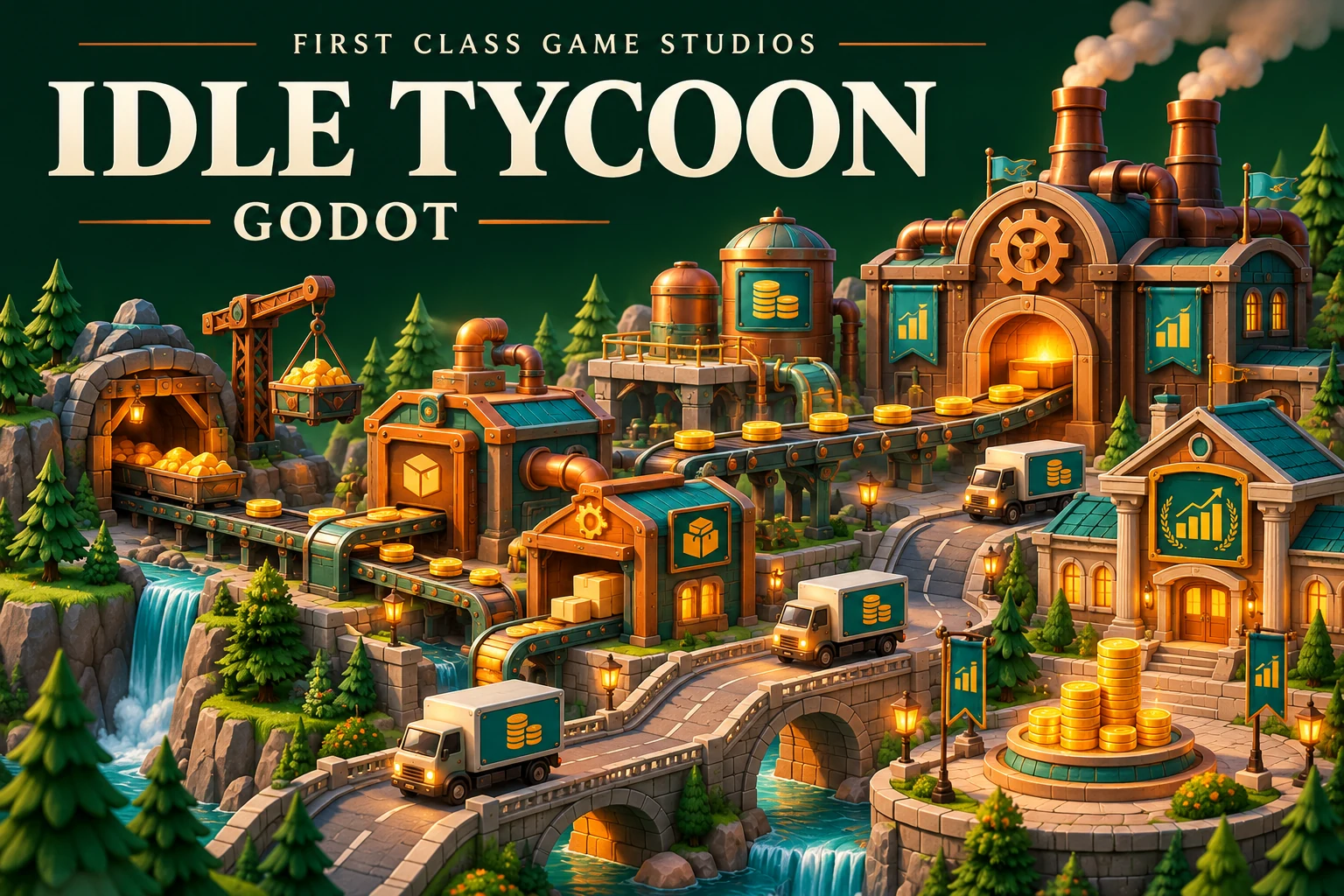
FIRST CLASS GAME STUDIOS · PROJECT COURSE
Learn Godot by Creating an Idle Business Tycoon Game
Learn through a complete game project. Follow practical lessons, build your skills, and make something playable.
Learn Godot by Creating an Idle Business Tycoon Game
Master Godot game development and GDScript programming by building a complete idle business tycoon game with advanced features!
The Idle Tycoon Game You'll Build
Create a fully-featured idle business tycoon game in Godot with multiple stores, automation, data management, and professional architecture!
Core Game Features
- Money System: Earn and manage currency
- Multiple Stores: Different business types
- Progress Bars: Visual timer feedback
- Manager System: Automate stores
- Dynamic Loading: CSV data import
Godot & GDScript Skills
- Scene Management: Modular design
- Signal System: Event-driven architecture
- Timers: Automated processes
- UI Development: Buttons, dialogs, bars
- Data Management: CSV loading
Complete Curriculum - 20 Detailed Lessons
Foundation & Core Mechanics (11 Lessons)
| 1 | Creating Project and Setting up Scene Initialize Godot project and create basic scene structure |
4:28 |
| 2 | Set Variables and Update Labels with GDScript Learn variables, data types, and UI label updates |
11:41 |
| 3 | Create Button and Connect Signal to Method Implement button interactions using Godot's signal system |
8:30 |
| 4 | Buy Button and Store Count Management Create purchasing system and track store ownership |
8:26 |
| 5 | Conditional Statements for Purchase Validation Prevent purchases without sufficient funds using if statements |
5:07 |
| 6 | Improve Store Interface with Pictures and Progress Bar Add visual elements and progress indicators |
8:39 |
| 7 | Create Popup Dialog for Insufficient Funds Implement user feedback with dialog boxes |
8:12 |
| 8 | Timer Nodes for Store Timer and Progress Bar Create automated income generation with timers |
12:31 |
| 9 | Expanding with Multiple Store Types Add variety with different business types |
7:27 |
| 10 | Refactor Store and Main Scenes for Multiple Stores Restructure code for scalability |
9:52 |
| 11 | Implement Manager Function for Automation Create managers to automate store operations |
15:17 |
Signal System & Architecture (5 Lessons)
| 12 | QUICK: Improve Design with Custom Signals Introduction to custom signals for better architecture |
5:15 |
| 13 | LONG: Deep Dive into Custom Signals Comprehensive custom signal implementation |
15:06 |
| 14 | Signal Communication Between Objects with Callbacks Advanced inter-object communication patterns |
14:56 |
| 15 | Refactor Unlock Manager with Signals Apply signals to improve manager system |
- |
| 16 | Setting up Modular Popup Dialog Box Create reusable UI components with signals |
10:10 |
Data Management with Godot (4 Lessons)
| 17 | Load Game Data from CSV File Import external data for dynamic content |
12:32 |
| 18 | Dynamically Create Scenes at Runtime Instance stores dynamically from data |
11:37 |
| 19 | Dynamically Load Pictures into Stores Load images at runtime for dynamic content |
6:54 |
| 20 | Final Polish and Optimization Complete the game with final touches |
- |
Godot & GDScript Skills You'll Master
GDScript Programming
- Variables: Data types and management
- Functions: Creating and calling methods
- Conditionals: If/else logic flow
- Loops: Iteration and automation
- Classes: Object-oriented design
- File I/O: CSV data loading
Godot Engine Features
- Scenes: Modular scene design
- Nodes: Node tree architecture
- Signals: Event-driven programming
- Timers: Automated processes
- UI System: Buttons, labels, dialogs
- Resource Loading: Dynamic content
Game Architecture
- Signal Patterns: Decoupled communication
- Scene Instancing: Dynamic object creation
- Refactoring: Code organization
- Modular Design: Reusable components
- State Management: Game data tracking
- Event Systems: Custom callbacks
Idle Game Mechanics
- Incremental Systems: Progressive unlocking
- Automation: Manager mechanics
- Economy: Money and pricing
- Progress Tracking: Visual feedback
- Multiple Resources: Store varieties
- Data-Driven: CSV configuration
What Makes This Course Special
Complete Idle Tycoon Game
Build a fully-featured idle game with multiple stores, automation, managers, and data-driven content - a portfolio-ready project!
Advanced Godot Techniques
Learn professional patterns including custom signals, dynamic scene instancing, CSV data loading, and modular architecture.
Progressive Learning Path
Start with basics and progressively add features - from simple clicking to complex signal architectures and data management.
Real-World Skills
Learn techniques used in professional game development - refactoring, signals, data management, and clean architecture.
Who This Course Is Perfect For
Godot Beginners
Start your Godot journey with a fun, complete project that teaches all the fundamentals through practical application.
Idle Game Developers
Learn to create addictive idle/incremental games with progression systems, automation, and engaging mechanics.
GDScript Learners
Master GDScript programming through a real project, learning variables, functions, signals, and advanced patterns.
Game Architecture Students
Understand professional game architecture with signals, modular design, and data-driven development.
Prerequisites
- Godot Engine installed (free download)
- Basic programming concepts helpful but not required
- Enthusiasm for game development
- Desire to learn by building!
Course Details
Quick Facts
- 20 Video Lessons
- 3+ Hours Content
- GDScript
- Godot 4 Compatible
- Signals Architecture
- CSV Data Loading
- Lifetime Access
You'll Build
A complete idle tycoon with:
- Money generation system
- Multiple store types
- Purchase validation
- Progress bars & timers
- Manager automation
- Popup dialogs
- CSV data loading
- Dynamic scene creation
- Custom signals
Secure Checkout
Topics Covered
What's Included
- 20 HD video lessons
- Complete source code
- Godot project files
- CSV data files
- Certificate of completion
- Lifetime course access